 Tuggy
Press kit
Everything you need to write about Tuggy: facts, the app icon, screenshots and a short video. Use them freely in reviews, articles and videos about Tuggy.
Download press kit (.zip, 19 MB) Contact us
Reviewing Tuggy?
Write to info@superpigstudio.com and tell us where you publish. We'll send a free Tuggy Pro license for your review, answer questions, and can provide extra screenshots or a build ahead of a release. We usually reply within one business day.
About Tuggy
In one sentence: Tuggy is a simple download manager for Mac that catches links from your browser and files every download into the right folder.
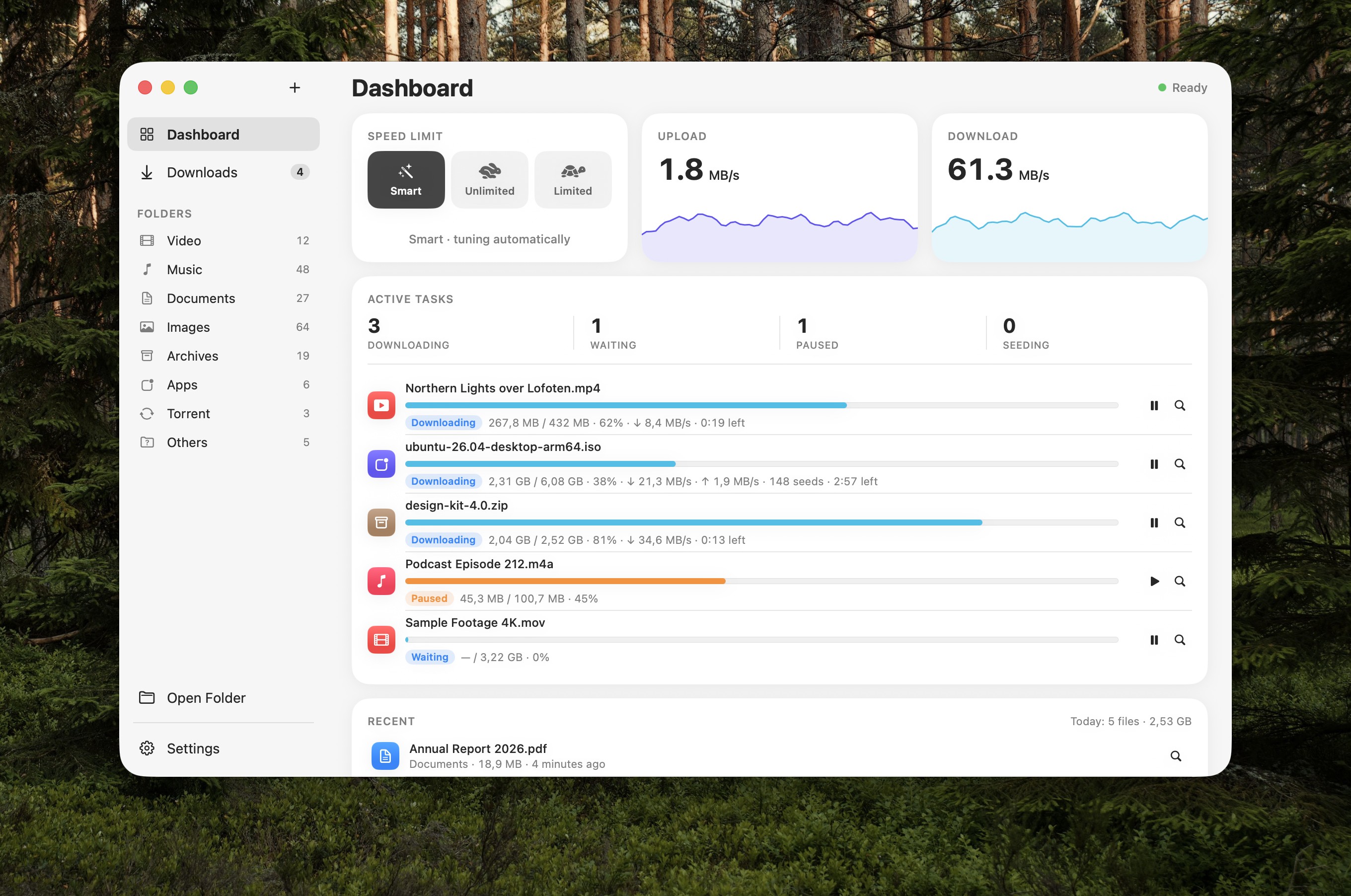
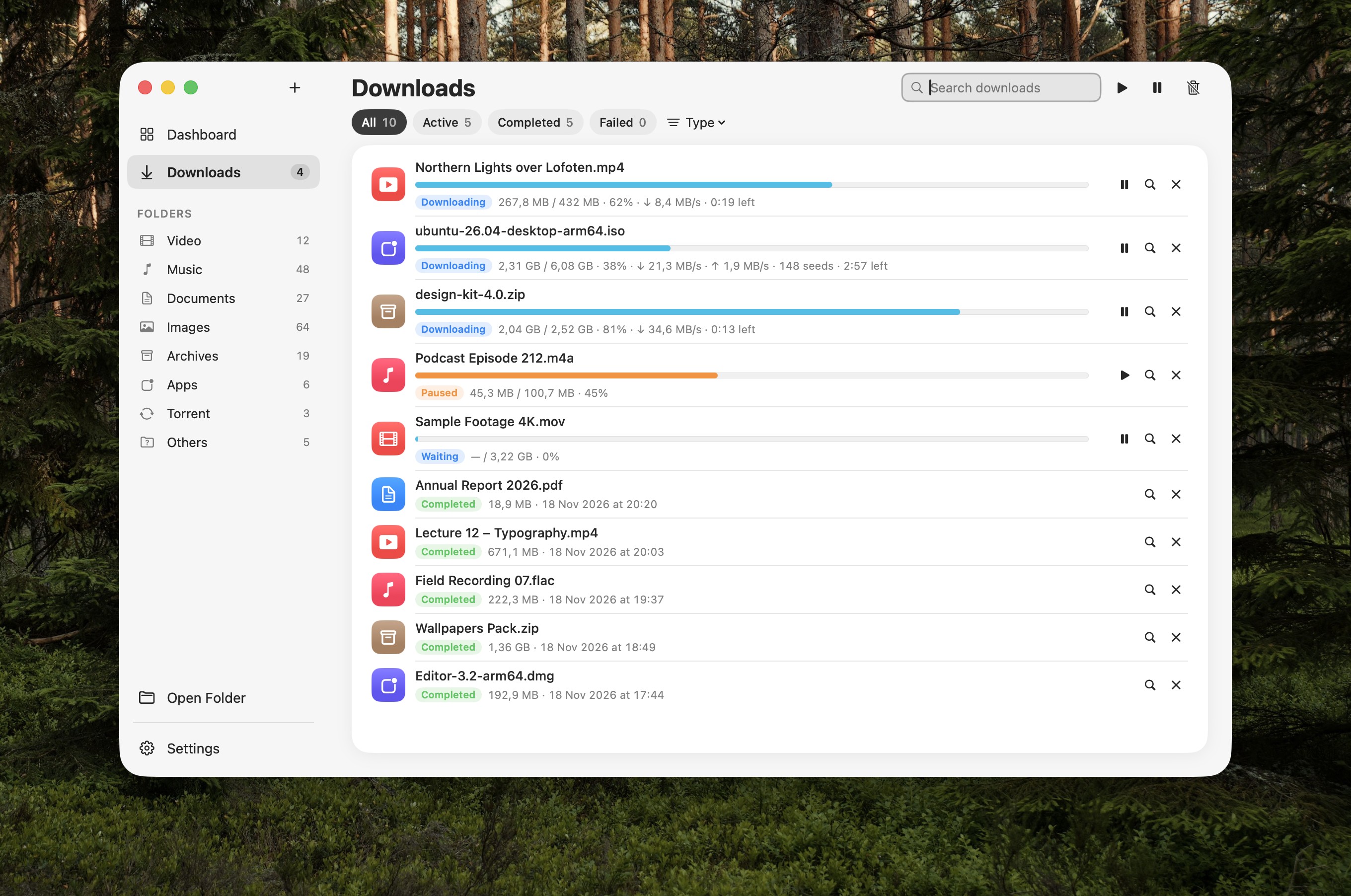
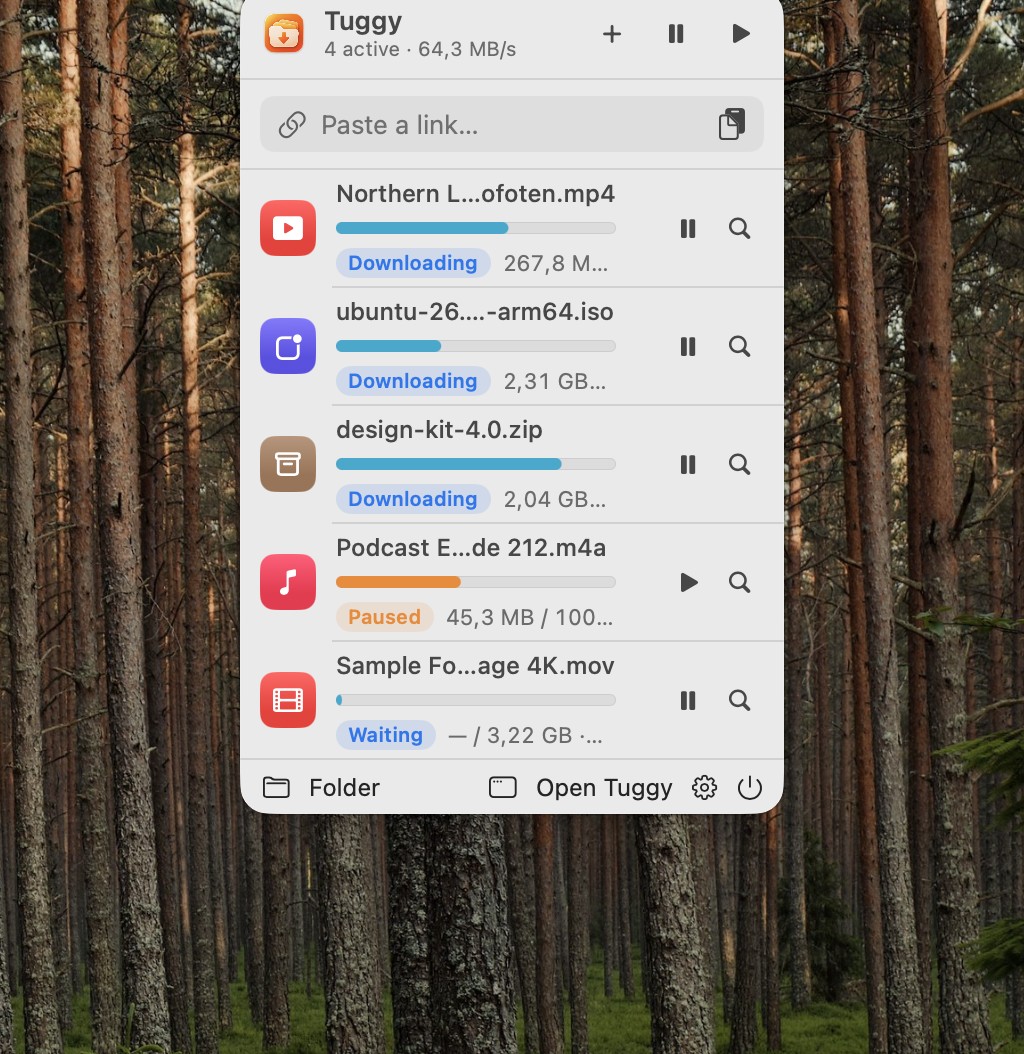
In a paragraph: Tuggy lives in the Mac menu bar and takes over downloads from Safari, Chrome, Edge, Brave and Arc. It downloads regular files with multiple connections, pauses and resumes them, tunes its own speed, and sorts finished files into folders by type. Tuggy Pro adds video downloads in the quality you choose and torrents and magnet links, including a drop zone on the MacBook notch. Regular file downloads are free; Pro is a one-time purchase with no subscription.
Fact sheet
- Name: Tuggy (one word, capital T)
- Developer: Super Pig Studio, an independent studio
- Platform: macOS 14 Sonoma or later
- Current version: 1.0.0
- Price: Free for regular file downloads. Tuggy Pro: US$3.99 (1 Mac) or US$6.99 (3 Macs), one-time. Every install includes Pro for 14 days.
- Languages: English, Tiếng Việt
- Privacy: No account, no analytics, no ads
- Website: tuggy.macplanet.vn
- Contact: info@superpigstudio.com
What makes it different
- Made for everyday users. No engine settings to learn; click a download link and Tuggy takes it from there.
- Drop on the notch. Drag a torrent or a link to the MacBook notch to start a download and watch its progress there.
- Tidy by default. Videos, music, documents, apps and archives each land in their own folder.
- Small and honest. A download of a few megabytes, free for regular files, and a low one-time price for Pro.
App icon



Please don't recolor, stretch or redraw the icon. Give it some clear space, and write the name as “Tuggy”.
Screenshots
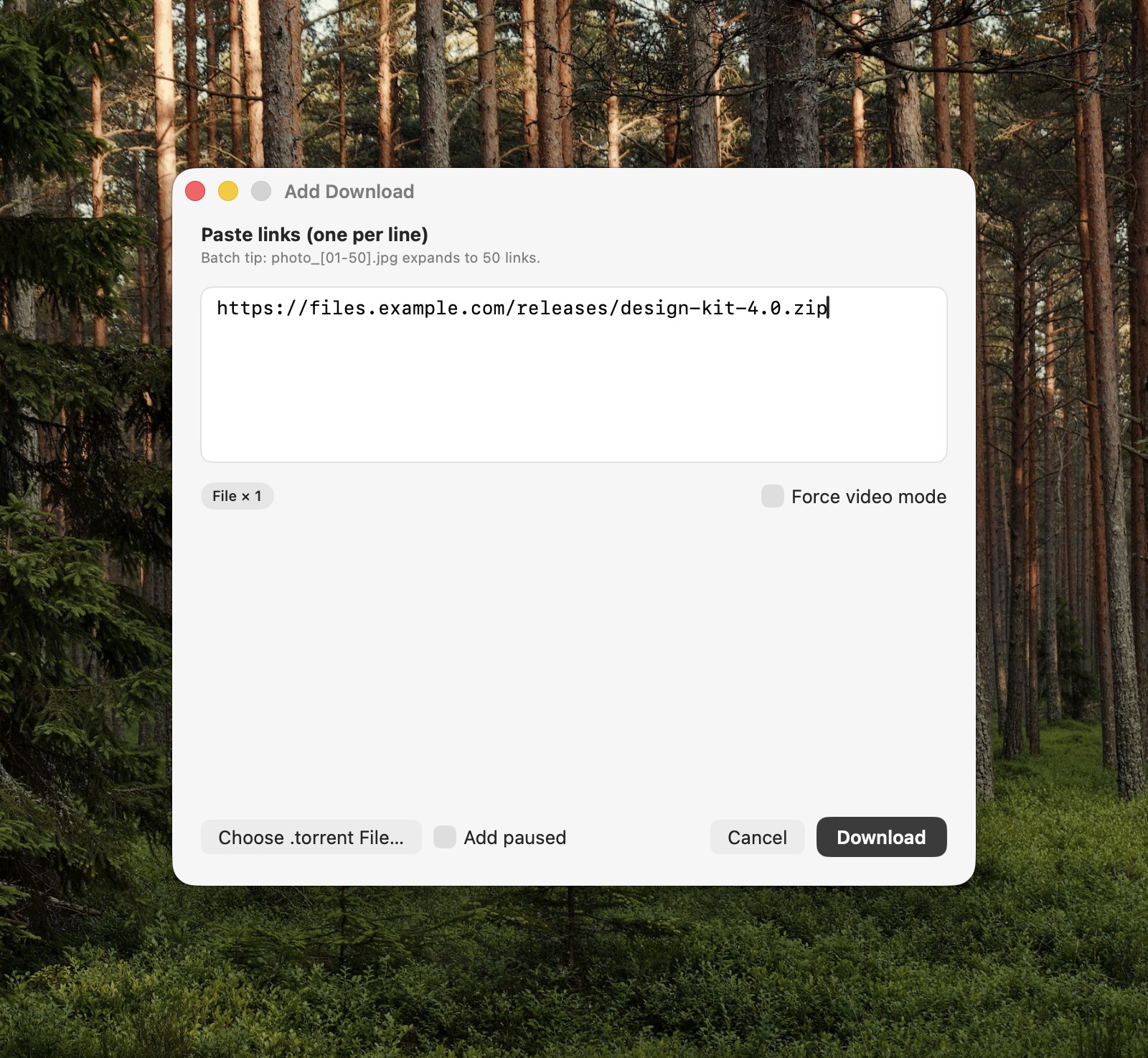
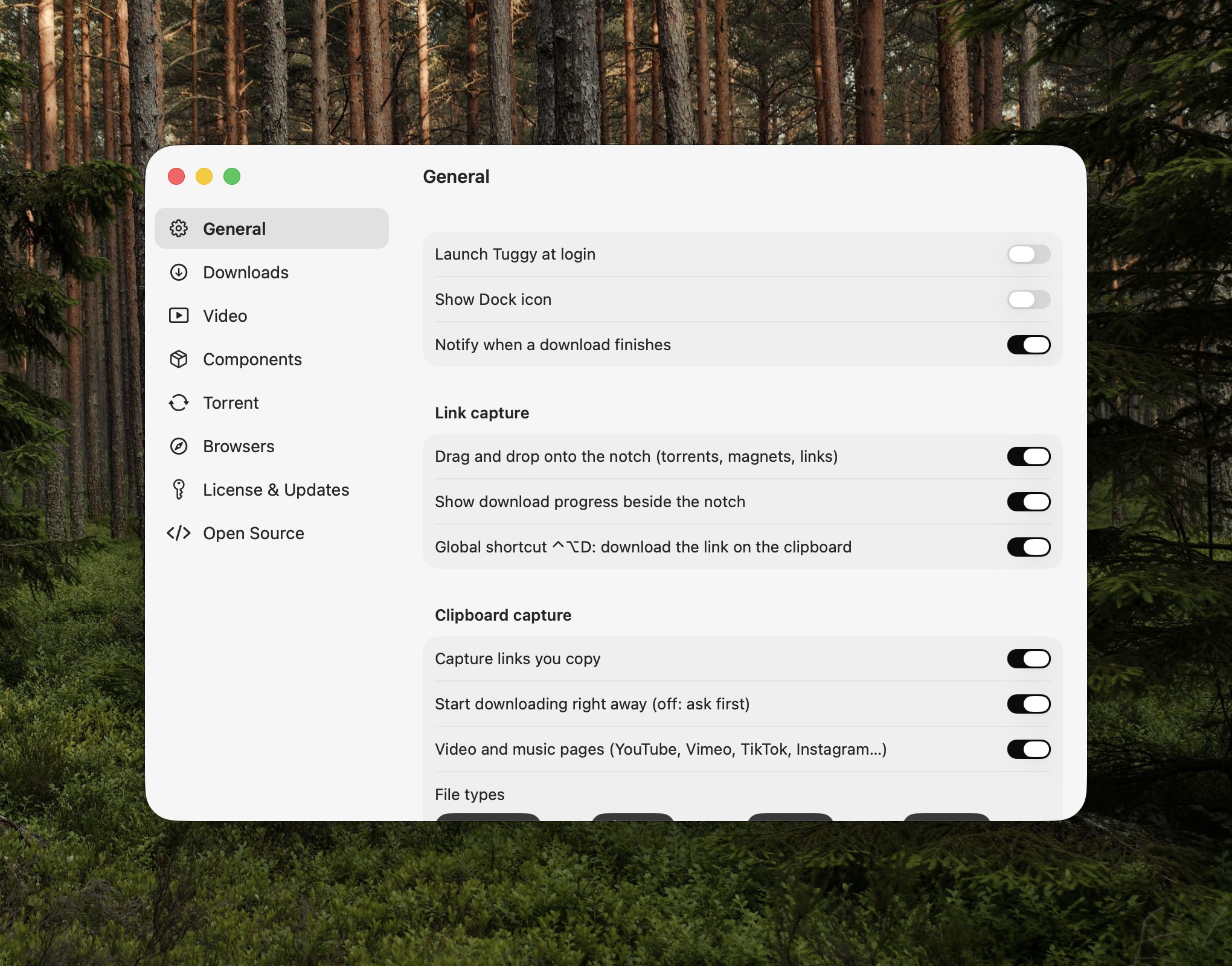
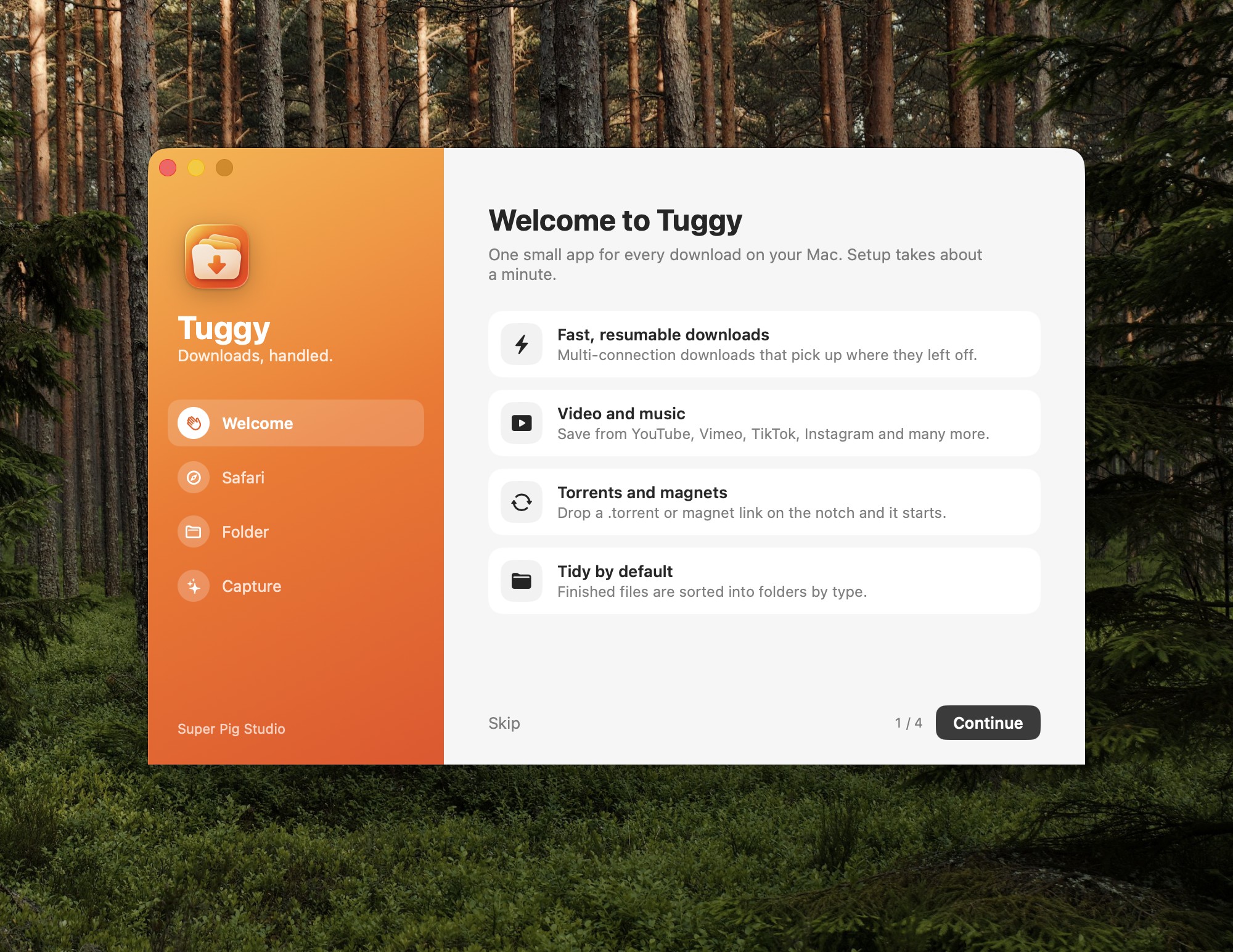
Real screenshots of the app with sample data, at full Retina resolution.
Video
A 36-second introduction, 1920×1080. Download MP4
Contact
Super Pig Studio · info@superpigstudio.com